
Changelog
New & Improved
v
3.4.9
Apr 1, 2026
Design Mails
In this version, we fixed several minor issues and added the ability to send design emails from the contact feed using the “+” icon.
With this improvement, you can now send not only transactional email templates but also email templates that were originally created for bulk email campaigns.
In addition, sent emails are now documented more clearly in the contact feed.
v
3.4.6
Mar 26, 2026
Segment and Tag Editors
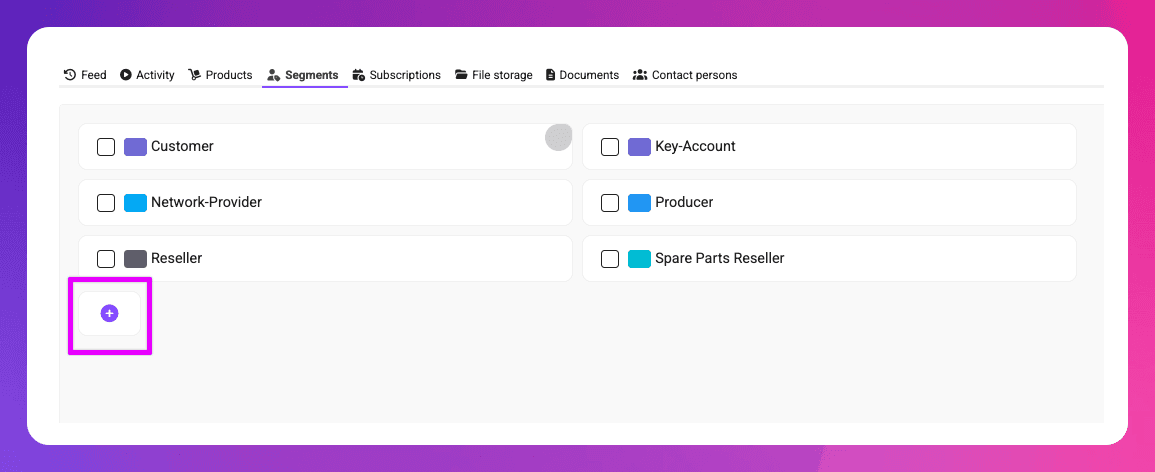
Adding segments is now faster and more convenient. You no longer need to open the settings to create a new segment - segments can now be added directly from within the contact view. Existing segments can also be edited right there.
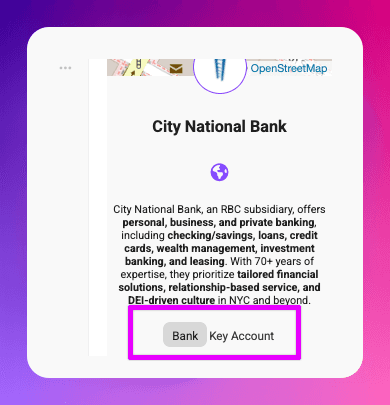
If creating a new segment feels too heavy for a quick idea, using tags is often the better choice. To make this easier, tags can now be added and edited directly from the contact view’s side panel - no need to open the contact edit dialog anymore.
v
3.4.5
Mar 25, 2026
Subscriptions
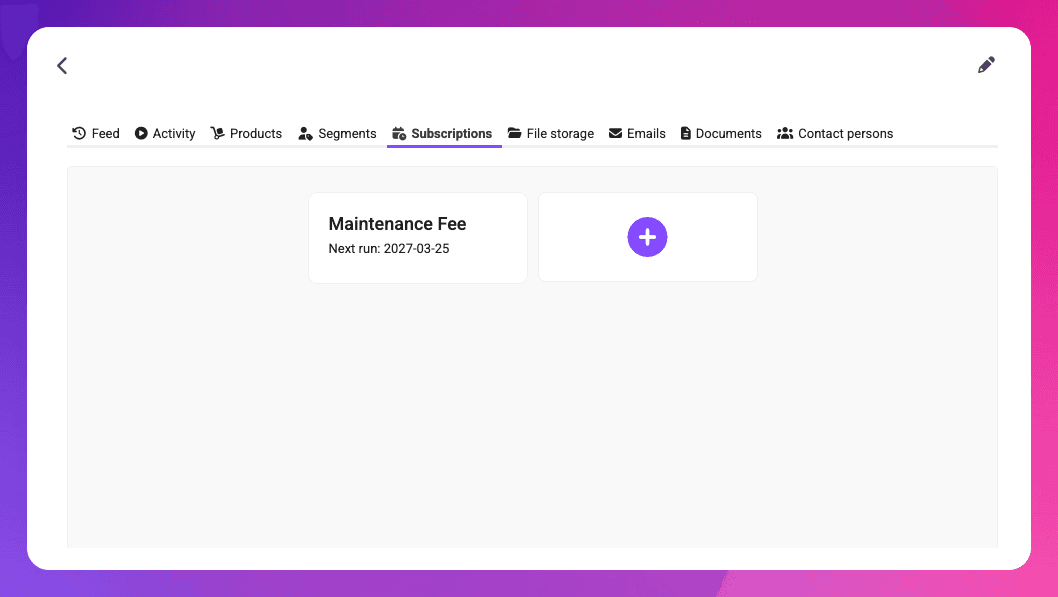
With the Order Processing plugin enabled, you can now create recurring subscriptions for your customers. Mister James automatically generates and sends invoices at the specified intervals, making recurring billing fully automated and easy to manage.
v
3.3.6
Feb 26, 2026
Order Overview and Idea Boards
In version 3.3.6, we’ve given our order processing module a complete overhaul. The document dispatch now features a new look, and within the European Union, e-invoices in XRechnung format are sent automatically. We’ve also introduced a new order overview that helps you identify which orders still require your attention.
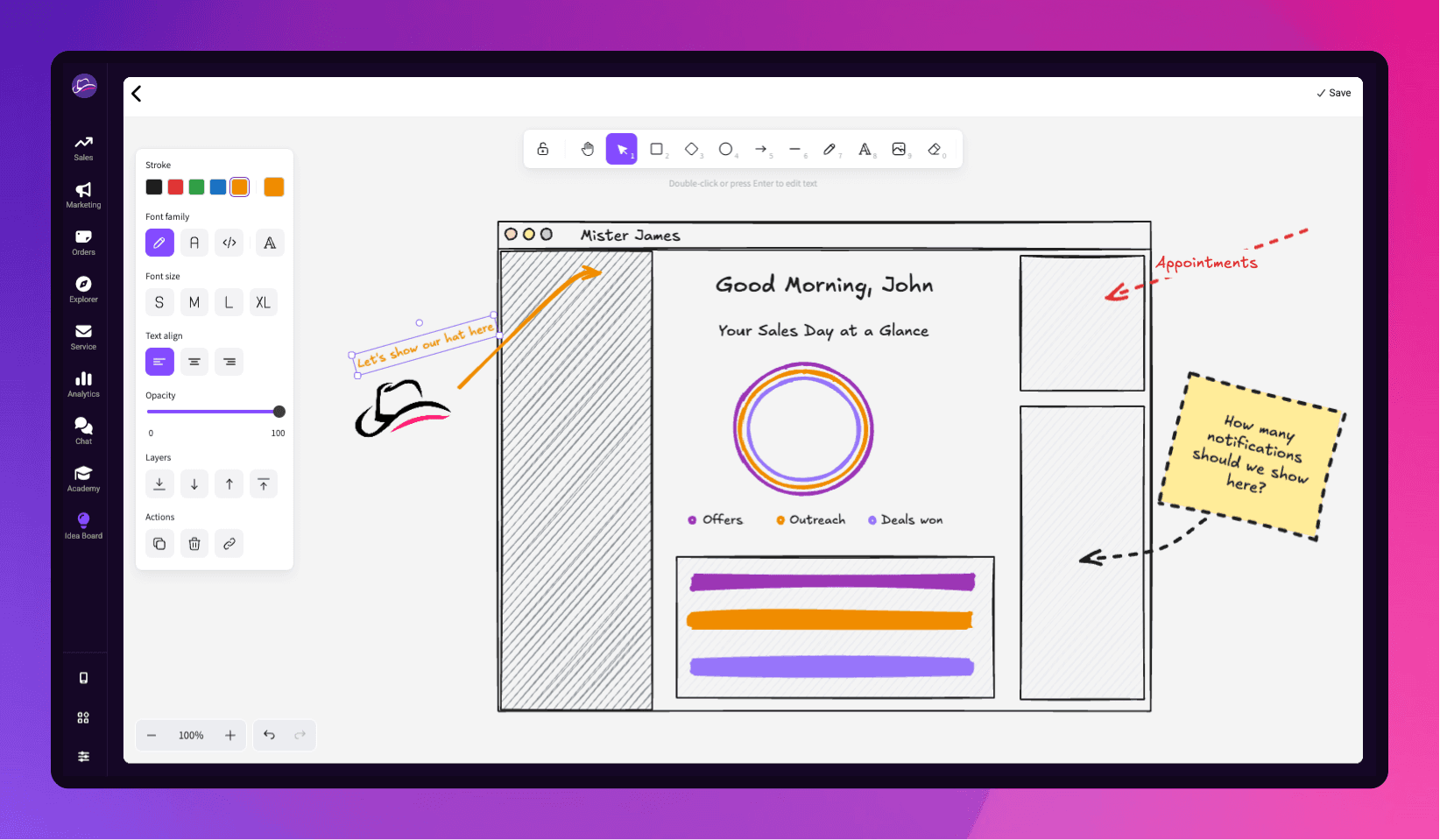
We’ve also introduced a new feature called Idea Boards. Idea Boards are drawing boards where you can create sketches and collaborate with your colleagues and customers. (Ultimate Edition only)
v
3.2.3
Dec 17, 2025
Seamless sevDesk Integration: Automatically sync quotes with your CRM-System
In version 3.2.3, we introduced the synchronization of quotes from sevDesk. Whenever a new quote is created in sevDesk (and leaves draft status), it is automatically transferred to Mister James and assigned to the corresponding contacts.
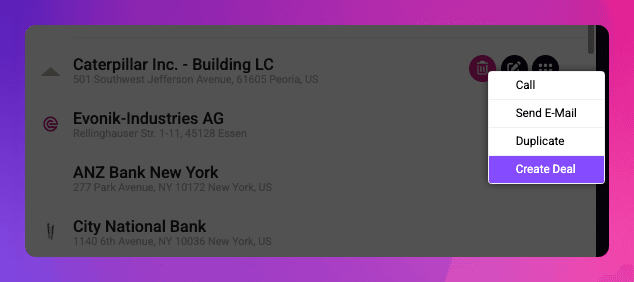
In addition, we added a new “Create Deal” function to the contact list context menu, allowing users to quickly create a deal for a contact without having to leave the contact list.
v
3.2.2
Dec 16, 2025
Enhanced Won/Lost Deal Marking
In version 3.2.2, we made a small improvement to the way deals are marked as “Won” or “Lost.”
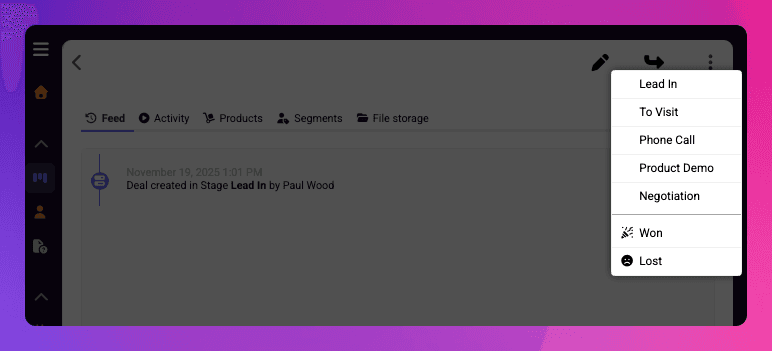
Deals that are marked as won or lost now automatically receive an entry in the feed indicating which user won or lost the deal. In addition, when a deal is open, it can now also be marked as won or lost via the menu that allows moving the deal to another stage.
v
3.2.1
Dec 15, 2025
Upload your PDF Quotes
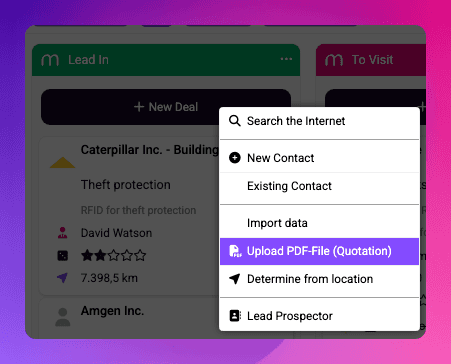
You can either drag and drop a PDF file from your computer onto a specific stage in your sales pipeline, or click the “New Deal” button and select “Upload PDF File (Quotation)” from the menu.
Mister James automatically parses the content of the PDF, creates a new contact if necessary, and generates a short description of the document for the deal.
In addition, the PDF file is automatically stored in the appropriate section of the Orders area in Mister James — for example Quotations, Invoices, or Letters.
Give it a try today! 🚀
v
3.2
Dec 11, 2025
Web-Popups
With Version 3.2, we’re excited to introduce a powerful new way to communicate with your website visitors: the Mister James Popup Feature.
If you’ve embedded the Mister James script on your website, you can now display fully customizable, multilingual popups—ideal for highlighting Black Friday deals, Christmas promotions, limited-time offers, maintenance alerts, or company holidays.
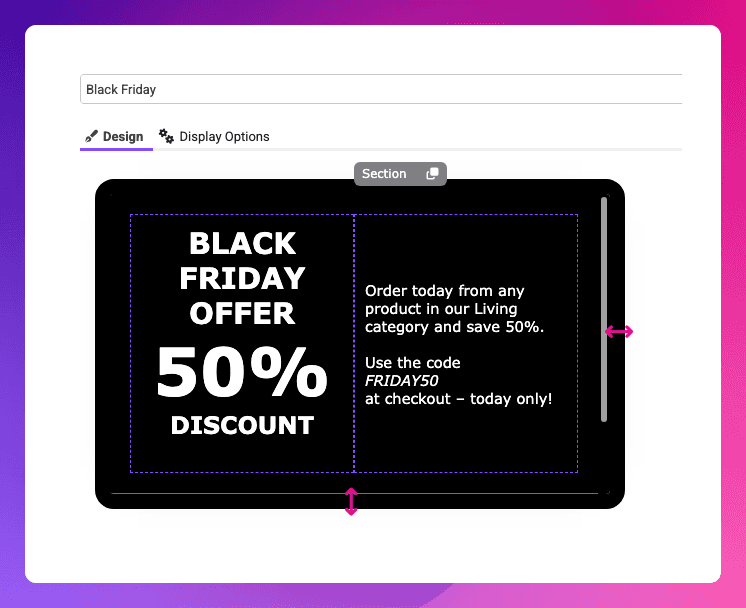
You have full control over when and how your popup appears:
On every website visit
On page-leave intent (when the user is about to close or leave the page)
After a specific duration on the page
Additionally, you can choose between two display styles:
Show the popup immediately, or
Display a discreet info bar at the top of your site that expands into the full popup when clicked.
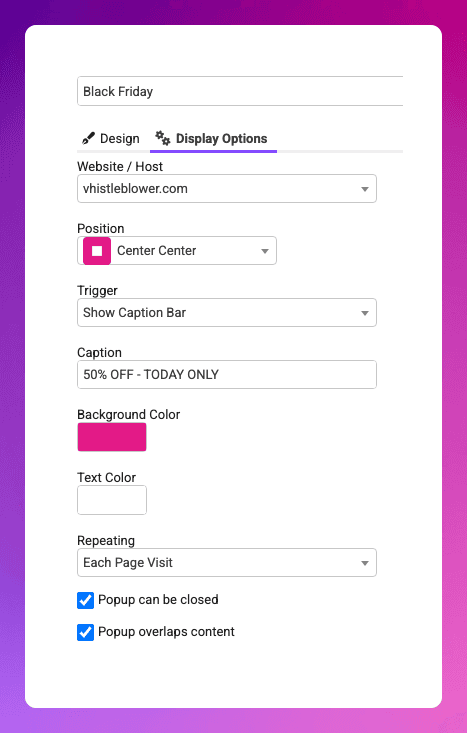
This update gives you a flexible and engaging way to guide users’ attention exactly where you need it—without adding complexity.